



安装所需要的组建环境
yum install gcc libaio libaio-devel libstdc++ libstdc++-devel libgcc elfutils-libelf-devel glibc-devel glibc-devel gcc-c++ compat-libstdc++-33 unixODBC unixODBC-devel
Oracle安装还需要一个必要的rpm包,pdksh-5.2.14-37.el5_8.1.x86_64,解压rpm -ivh安装即可。
创建oinstall组
groupadd oinstall
创建dba组
groupadd dba
创建oracle用户
useradd -g oinstall -G dba oracle
修改oracle用户的密码
passwd oracle (设立会提示输入自己的密码)
vi /etc/sysctl.conf
#在文件末尾添加以下内容
fs.aio-max-nr = 1048576
fs.file-max = 6815744
kernel.shmall = 2097152
kernel.shmmax = 536870912
kernel.shmmni = 4096
kernel.sem = 250 32000 100 128
net.ipv4.ip_local_port_range = 9000 65500
net.core.rmem_default = 262144
net.core.rmem_max = 4194304
net.core.wmem_default = 262144
net.core.wmem_max = 1048586

#刷新参数
sysctl -p

vi /etc/security/limits.conf
#在文件末尾添加以下内容
oracle              soft    nproc   2047
oracle              hard    nproc   16384
oracle              soft    nofile  1024
oracle              hard    nofile  65536
oracle              soft    stack   10240

需要注意的是,如果想自己改变目录安装,记得将所有/u01 改成自己的目录即可。建议安装在/home/data下。

#创建安装Oracle软件所需要的目录
mkdir -p /u01/oracle_11g_r2
chown -R oracle:oinstall /u01/oracle_11g_r2
chmod -R 775 /u01/oracle_11g_r2

#日志目录
mkdir /u01/oraInventory
chown -R oracle:oinstall /u01/oraInventory/
chmod -R 775 /u01/oraInventory/

vi /home/oracle/.bash_profile
#在文件末尾添加以下内容
umask 022
export ORACLE_BASE=/u01/oracle_11g_r2
export ORACLE_HOME=$ORACLE_BASE/oracle/product/11.2.0/db_1
export ORACLE_SID=orcl
export PATH=$PATH:HOME/bin:$ORACLE_HOME/bin

vi /etc/pam.d/login
#在文件末尾添加以下内容
session required /lib/security/pam_limits.so
session required pam_limits.so

vi /etc/profile
#在文件末尾添加以下内容
if [ $USER = "oracle" ]; then
   if [ $SHELL = "/bin/ksh" ]; then
      ulimit -p 16384
      ulimit -n 65536
   else
      ulimit -u 16384 -n 65536
   fi
fi

#刷新参数
source /etc/profile
以上工作做好以后,现在就可以开始来安装oracle数据库了。
xhost +
su - oracle
#进入到数据库安装程序目录database,并运行安装脚本,安装过程如下:
./runInstaller
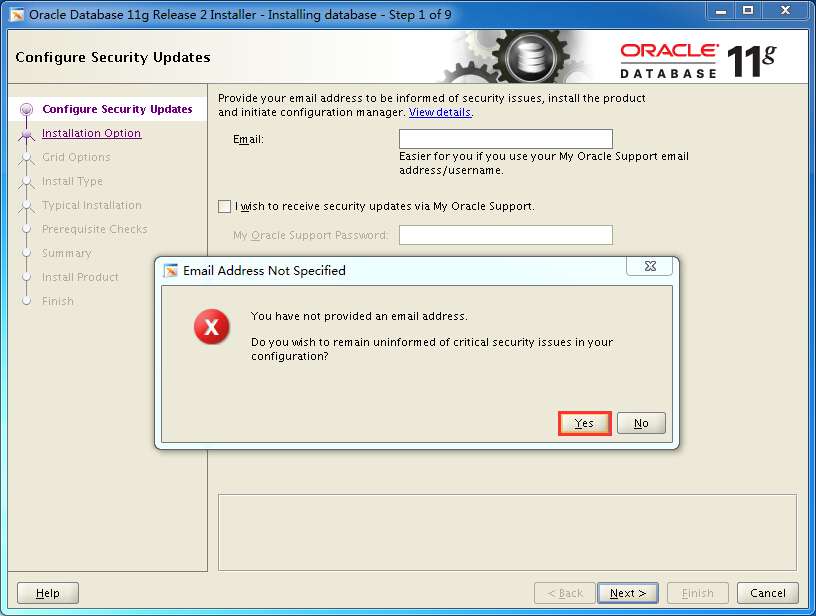
填写email,可跳过
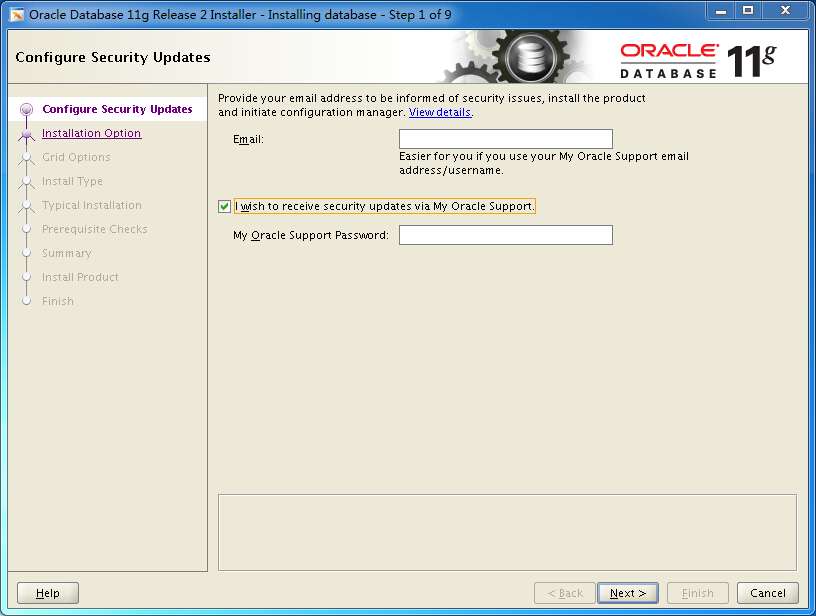
yes
next
选择server版
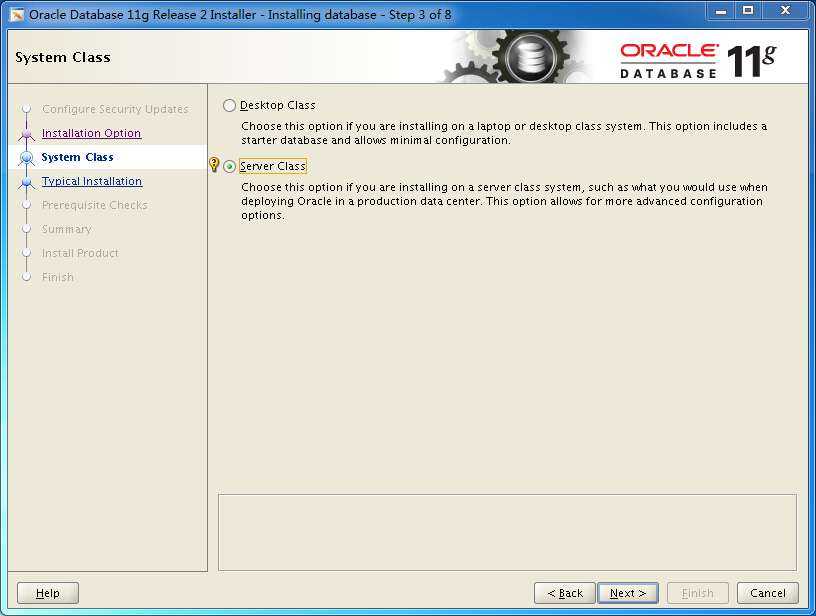
next
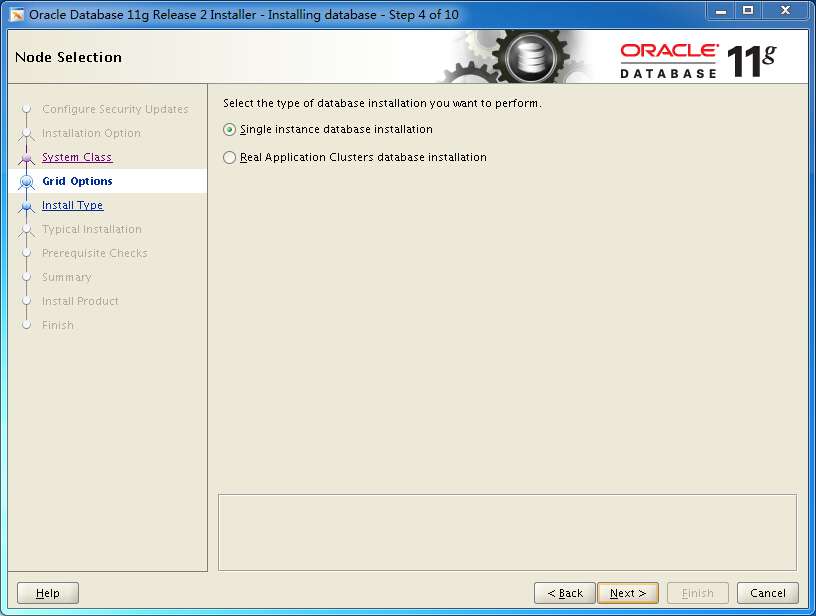
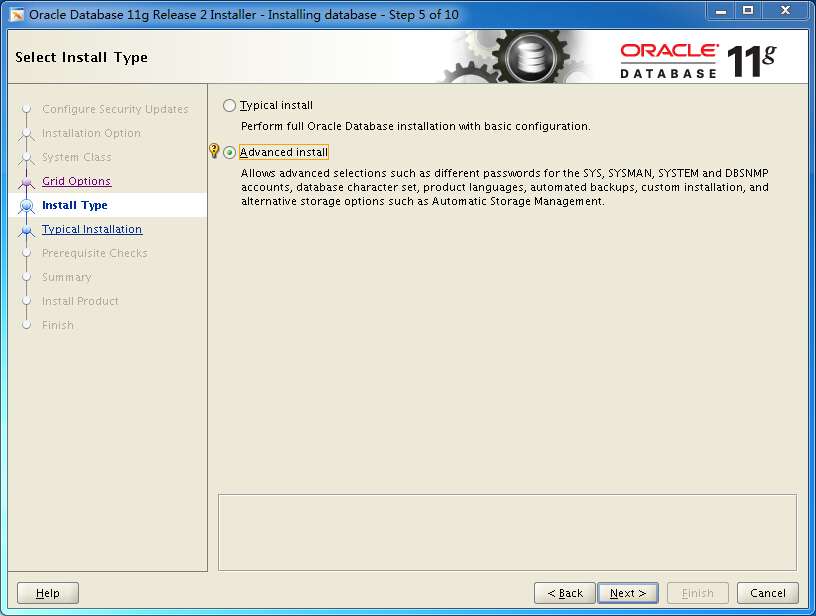
高级安装
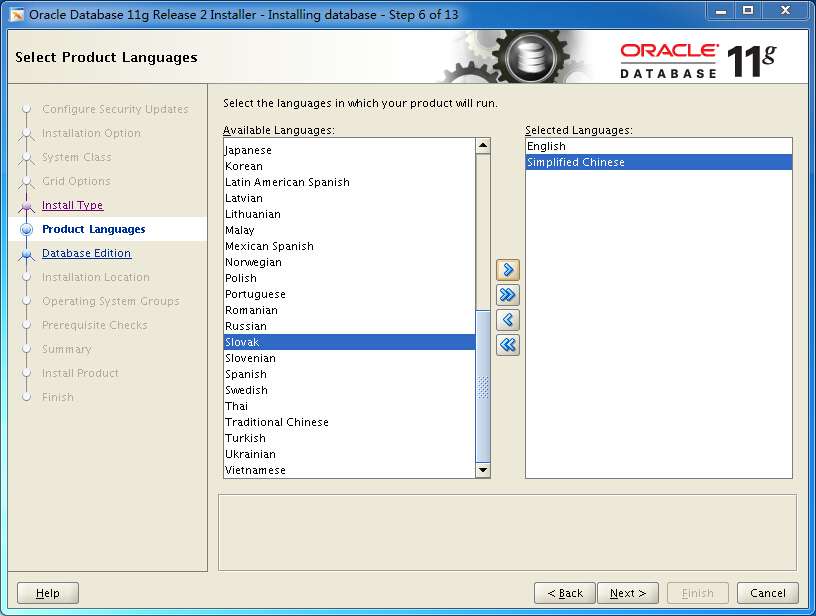
添加中文支持
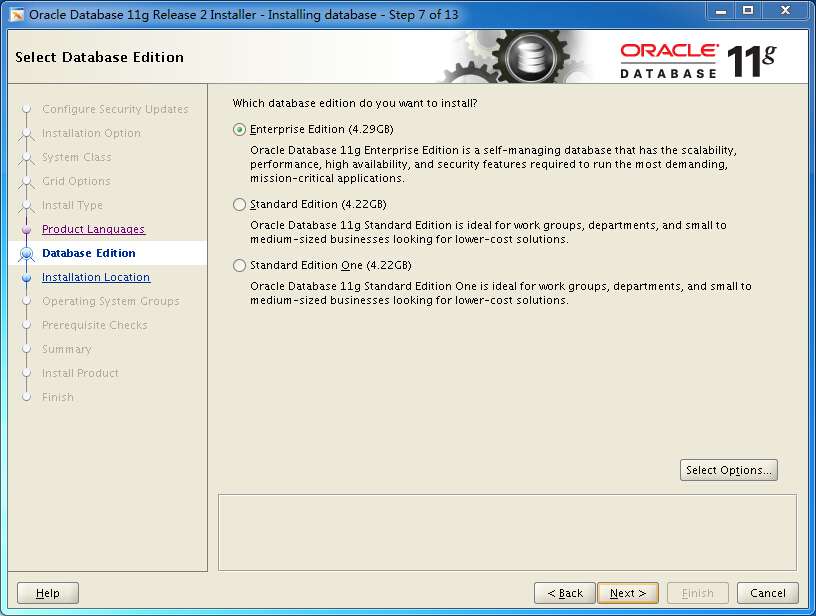
next
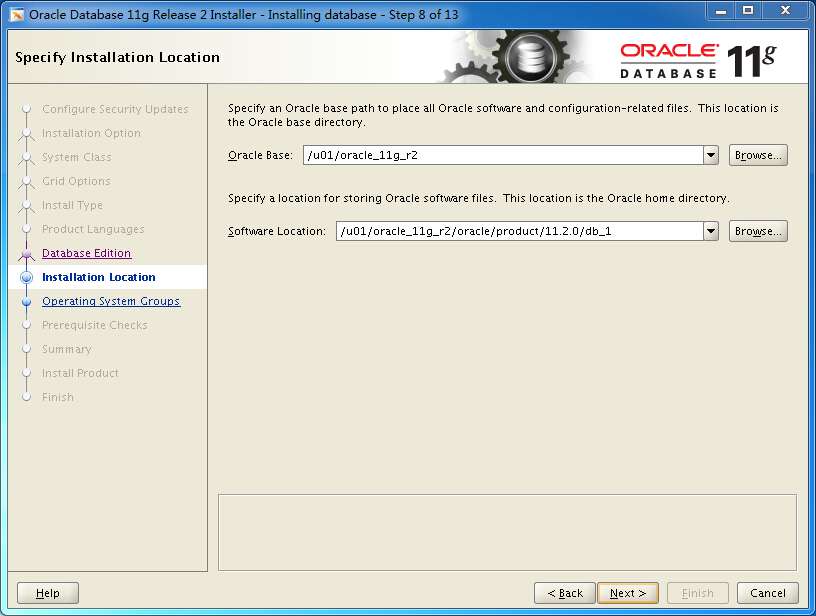
next
next
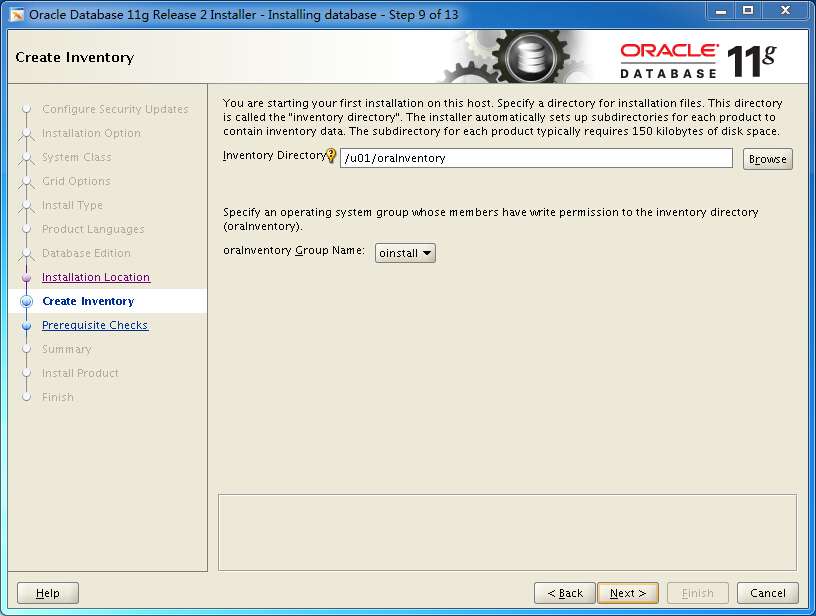
next
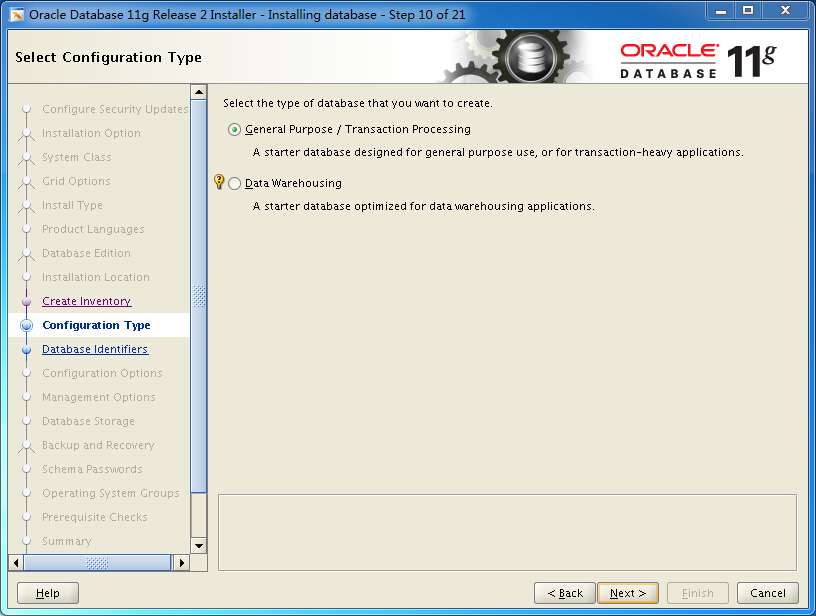
next
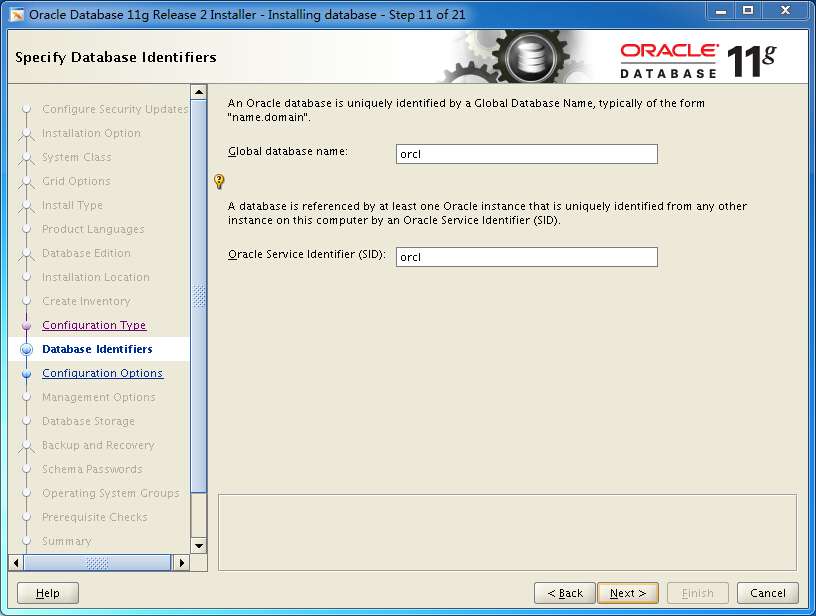
自动内存管理
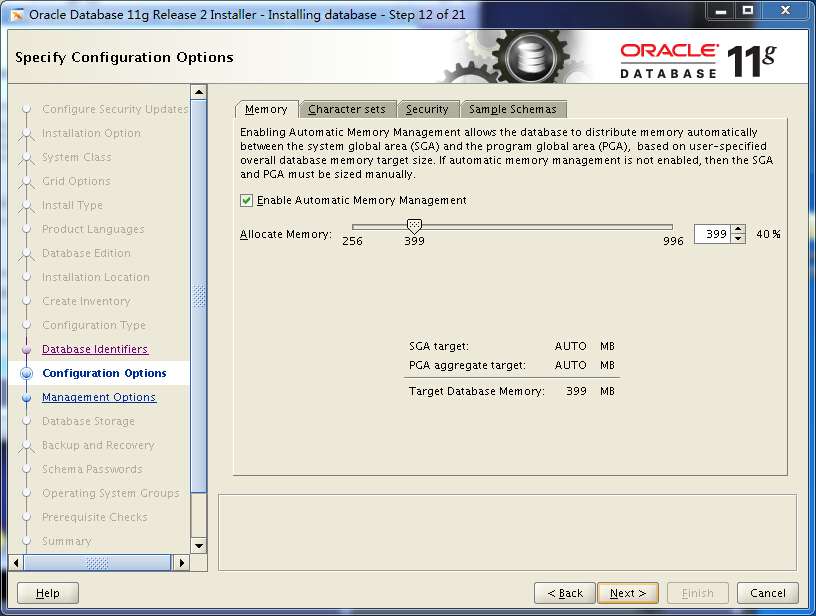
选择utf8
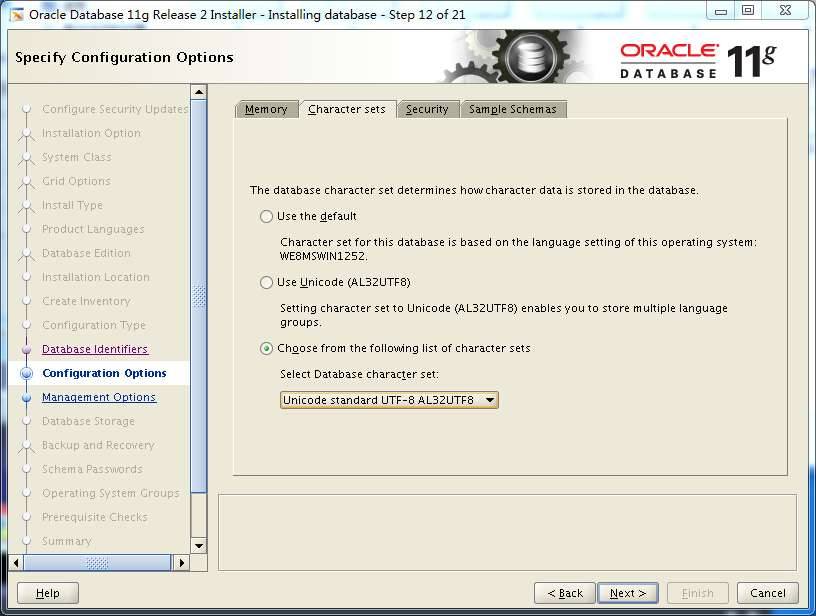
不打勾
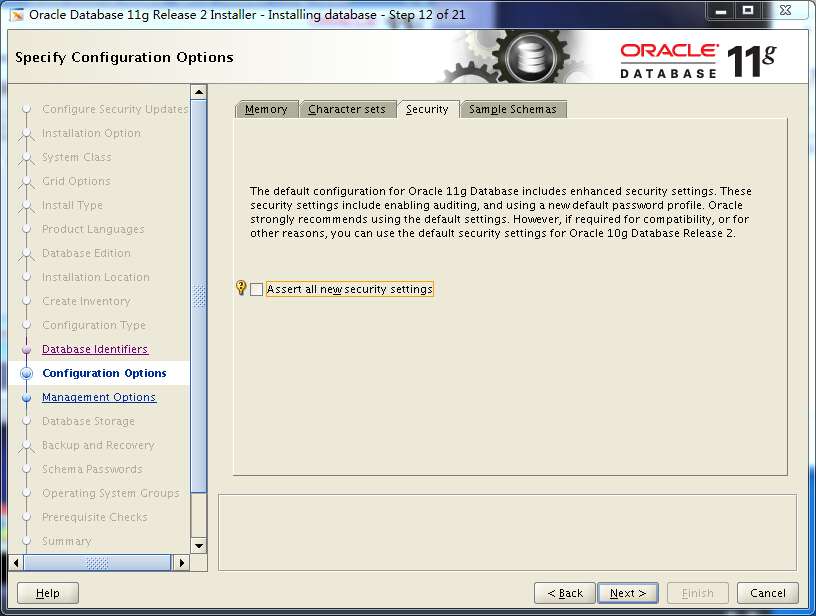
不打勾
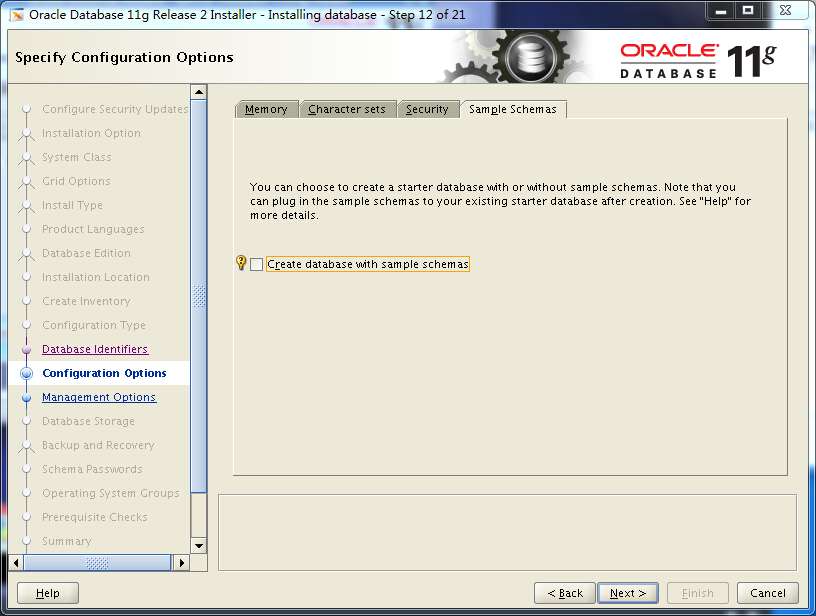
next
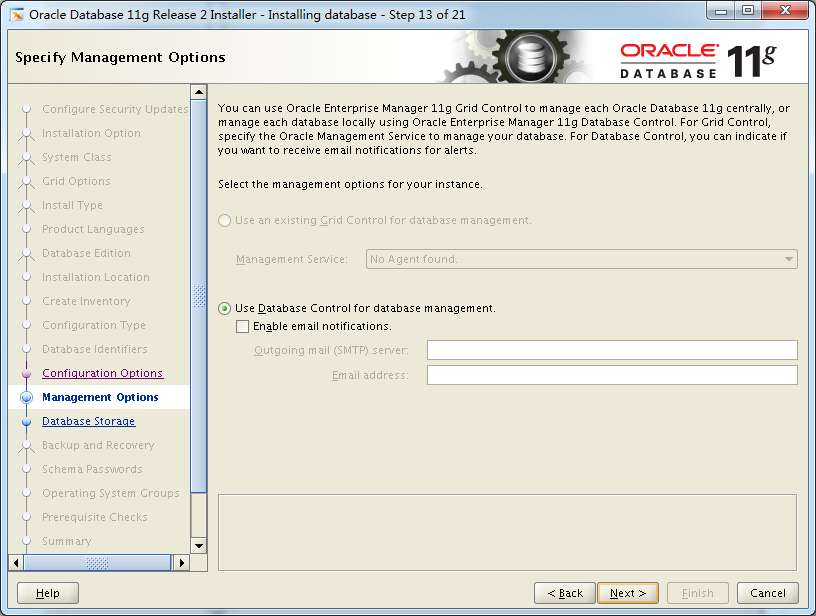
next
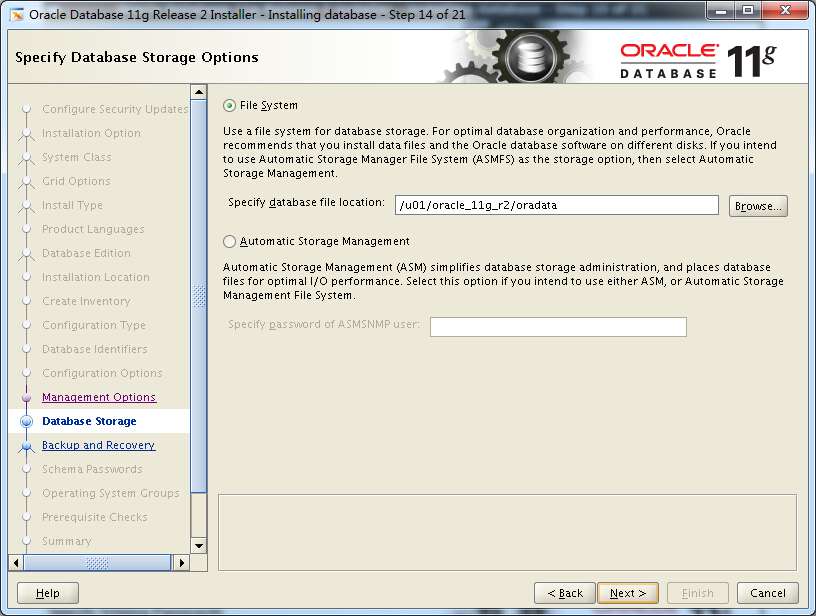
next
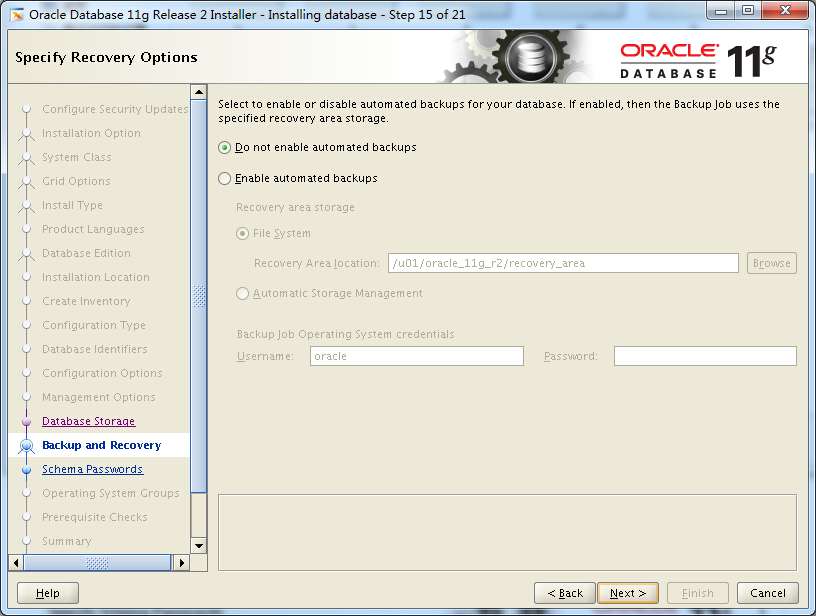
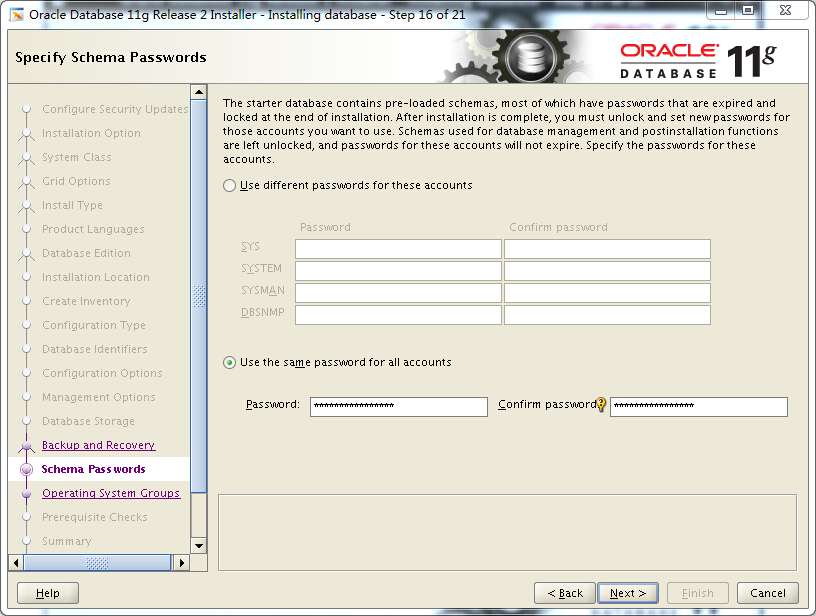
设置密码,演示方便我都设置成一样的密码
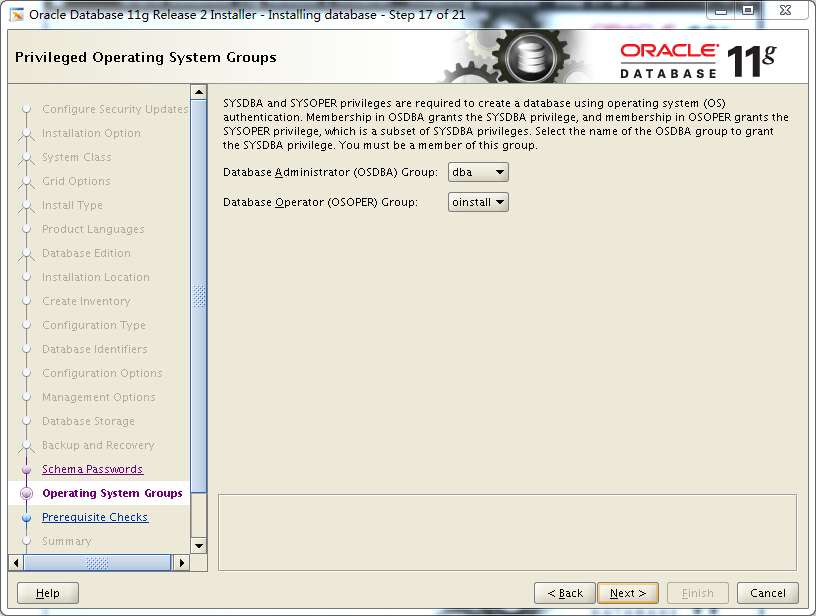
next
提示有误,其实已经在前面安装过了,忽略即可,lgnored all打钩,next
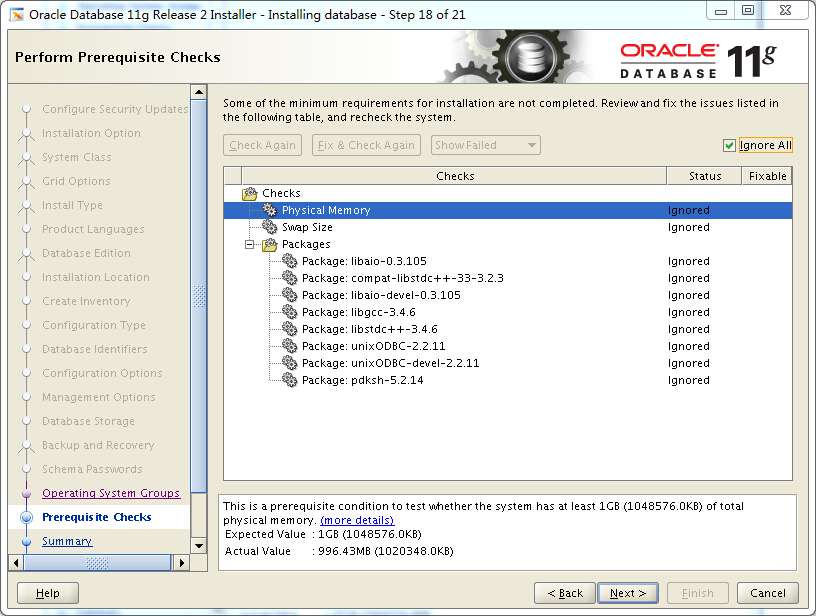
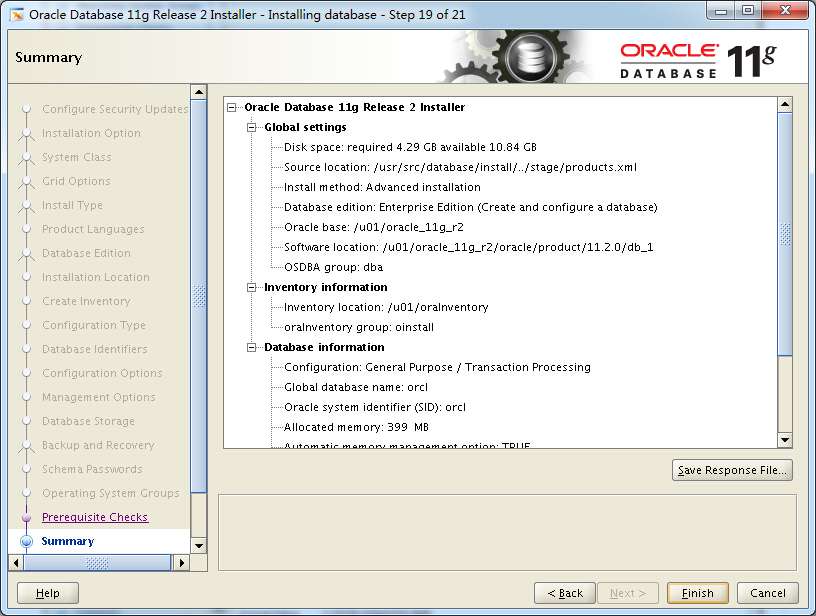
安装前信息总览
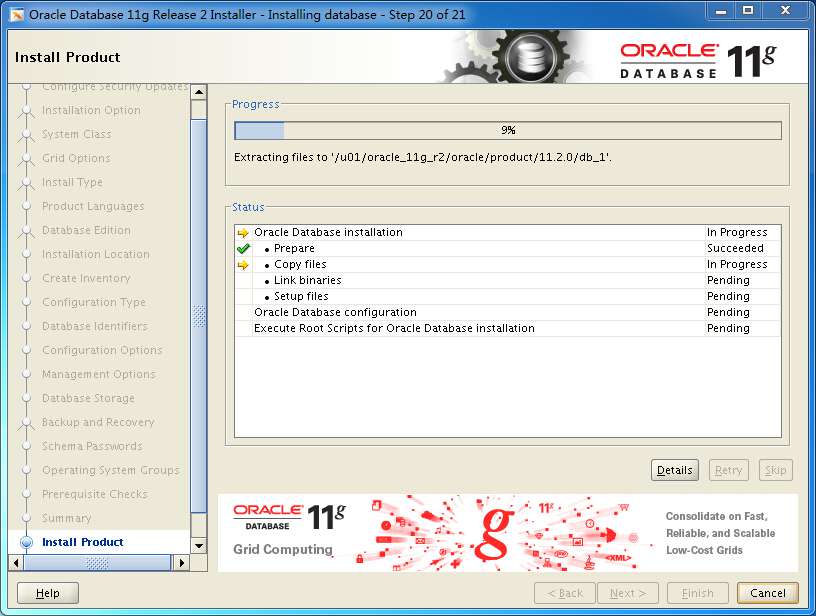
正在安装
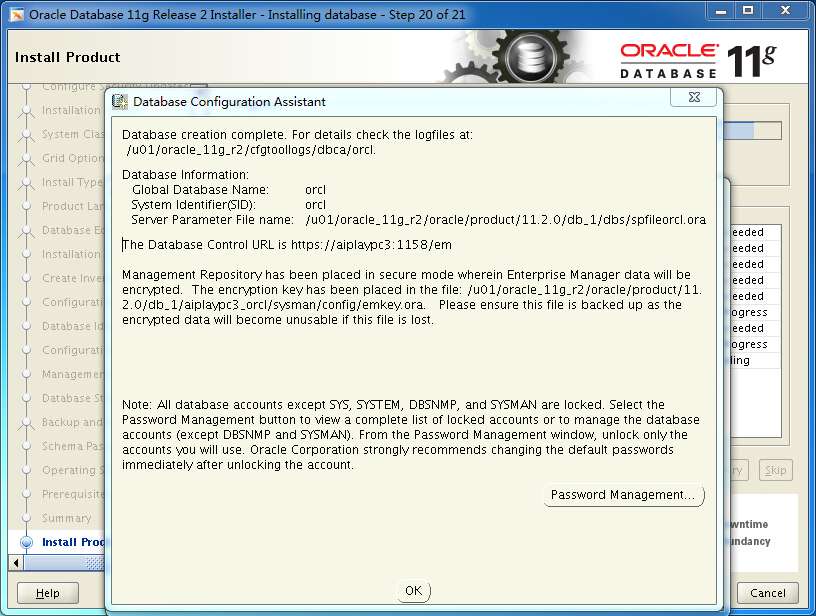
点击OK
提示你以root身份运行两个脚本
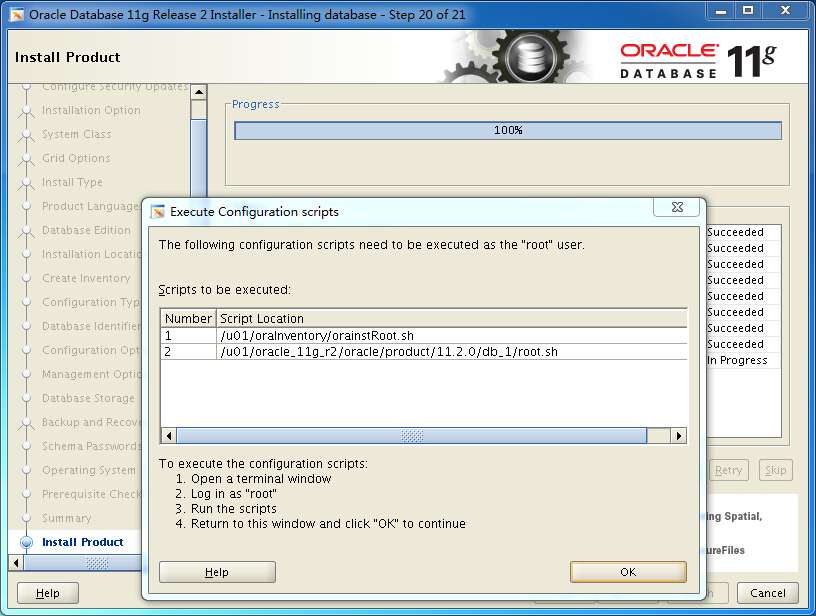
安装完成
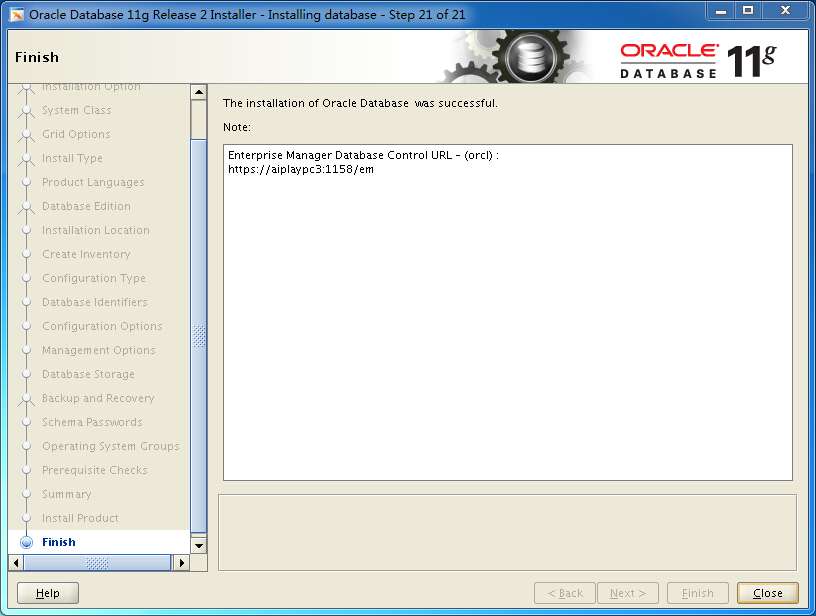
最后的完善工作
添加启动脚本
vi /etc/oratab
orcl:/u01/oracle_11g_r2/oracle/product/11.2.0/db_1:Y(把N改成Y)
vi /u01/oracle_11g_r2/oracle/product/11.2.0/db_1/bin/dbstart
vi /u01/oracle_11g_r2/oracle/product/11.2.0/db_1/bin/dbshut
找到ORACLE_HOME_LISTNER=1 改成 ORACLE_HOME_LISTNER=ORACLE_HOME
然后进入cd /etc/init.d
vi oracle将下面编辑保存。
#!/bin/bash
# chkconfig: 2345 90 10
export ORACLE_BASE=/u01/oracle_11g_r2
export ORACLE_HOME=$ORACLE_BASE/oracle/product/11.2.0/db_1
export ORACLE_SID=orcl
export PATH=$PATH:$ORACLE_HOME/bin
ORCL_OWN="oracle"
# if the executables do not exist -- display error
if [ ! -f $ORACLE_HOME/bin/dbstart -o ! -d $ORACLE_HOME ]
then
   echo "Oracle startup: cannot start"
   exit 1
fi
# depending on parameter -- start, stop, restart
# of the instance and listener or usage display
case "$1" in
start)
# Oracle listener and instance startup
echo -n "Starting Oracle: "
su - $ORCL_OWN -c "$ORACLE_HOME/bin/dbstart"
touch /var/lock/subsys/oradb
su - $ORCL_OWN -c "$ORACLE_HOME/bin/emctl start dbconsole"
echo "OK"
;;
stop)
# Oracle listener and instance shutdown
echo -n "Shutdown Oracle: "
su - $ORCL_OWN -c "$ORACLE_HOME/bin/emctl stop dbconsole"
su - $ORCL_OWN -c "$ORACLE_HOME/bin/dbshut"
rm -f /var/lock/subsys/oradb
echo "OK"
;;
reload|restart)
$0 stop
$1 start
;;
*)
echo "Usage: 'basename $0' start|stop|restart|reload"
exit 1
esac
exit 0
添加上面的启动脚本到oracle下,然后chmod +x oracle给它执行权限
再
chkconfig --add oracle
添加开机启动,到此数据库就安装完成了。
添加自启动后,Centos启动会稍微慢一点,主要视服务器配置了。
评论区